
How to Read Intel Xeon Product Names and Ordering Numbers
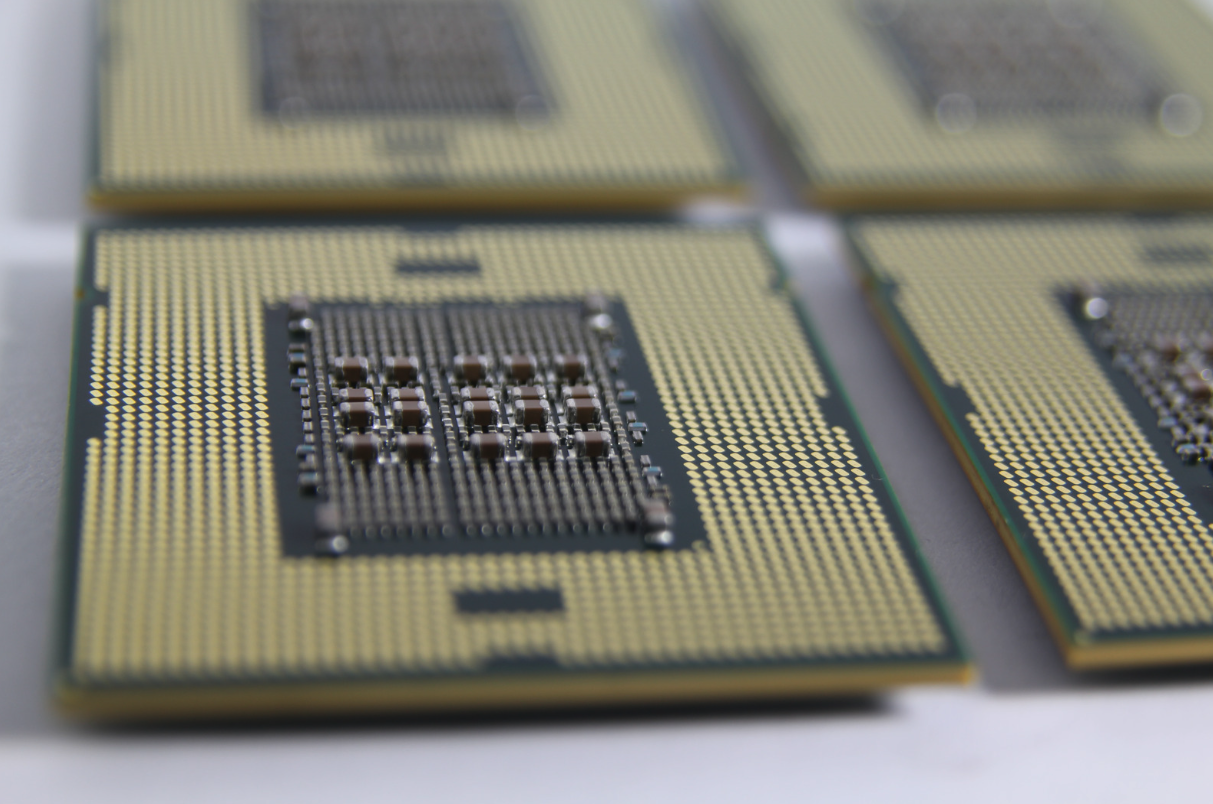
Intel Xeon product names identify a processor's family, performance tier, generation, model, and specialized features, while ordering numbers identify the exact packaging, silicon revision, and production specifications. Understanding both is essential for selecting compatible processors, matching existing server configurations, and avoiding component ordering errors.
Two Intel Xeon processors can share the same model name but have different ordering codes, steppings, or production classifications. For example, an Intel Xeon Gold 6430 may be supplied as a boxed or tray processor, while differences in S-Spec codes can identify distinct silicon revisions.
Key identifiers to understand when sourcing Intel Xeon processors include:
- Product name: Identifies the processor brand, tier, generation, SKU, and suffix.
- Generation number: Indicates the processor generation and helps determine socket and platform compatibility.
- Suffix letters: Identify specialized workloads, features, or configurations, with meanings that vary across Xeon generations.
- Ordering code: Distinguishes boxed and tray processors and identifies the specific product configuration.
- S-Spec and stepping: Identify the processor's silicon revision and help buyers match existing hardware.
- MM# and FPO: Identify Intel's material number and production batch for traceability and quality verification.
Intel has changed its Xeon naming conventions across multiple generations, making it important to verify the complete product name and ordering information before purchasing. This guide explains how to decode Intel Xeon identifiers, distinguish processor generations, interpret suffixes, and confirm the exact components required for your server or workstation.
Reading an Intel Xeon Product Name
An Intel Xeon Scalable product name has five parts: brand, tier, generation, SKU, and suffix, describing the processor family, position within that family, specialized features, or workload optimizations.
Intel Xeon Platinum 8490H Example
Brand: Xeon – Identifies: Intel's server and workstation processor line
Tier: Platinum – Identifies: Performance and feature level
First Digit: 8 – Identifies: Numerical designation corresponding to the Platinum tier
Second Digit: 4 – Identifies: 4th Generation Xeon Scalable (Sapphire Rapids)
Last two digits: 90 – Identifies: The SKU within the tier and generation
Suffix: H – Identifies: Processor optimized for database and analytics workloads in 4- and 8-socket systems
Tier: Platinum
Identifies: Performance and feature level
Intel Xeon Performance Tiers
Intel Xeon Scalable processors use numeric identifiers corresponding to their performance tiers.
First digit performance tiers
- 8 or 9: Platinum
- 5 or 6: Gold
- 4: Silver
- 3: Bronze
The first digit identifies the processor's tier, while the second digit identifies its generation.
Intel Xeon Generation Numbers
The second digit in a Xeon Scalable processor number identifies its generation and is a critical factor in determining platform compatibility.
The generation numbering system
- 1: Skylake
- 2: Cascade Lake
- 3: Ice Lake or Cooper Lake
- 4: Sapphire Rapids
- 5: Emerald Rapids
Different Xeon generations use different sockets and platforms, so confirming the generation is one of the first steps when sourcing a replacement or upgrading an existing system.
The final two digits represent the processor's SKU within its tier and generation. Although a higher SKU number generally indicates a higher-positioned processor within the same family, Intel states that processor numbers distinguish features rather than directly measure performance. Consequently, SKU numbers should not be used to compare performance across different Xeon generations or families.
Complete reference: Intel's Xeon Processor Numbering Guide.
Renamed Xeon Line
Intel has renamed the Xeon line several times since 2010, and parts from every era are still in service. If you support long-lifecycle equipment, you will meet all of them.
Processor Families, Examples, and How to Read Them
5500/5600 Series
Example: X5690
How to read it: Letter prefix is the class: X performance, E mainstream, L low power, W workstation. Then a four-digit number.
E3/E5/E7
Example: E5-2680v4
How to read it: E5 is the product line. 2 is the maximum socket count. 6 is the socket family. 80 is the SKU. v4 indicates the Broadwell generation.
Xeon Scalable
Example: Gold 6430
How to read it: Performance tier followed by four digits identifying the tier generation and SKU.
Xeon W (Workstation)
Example: w9-3595X
How to read it: w3-w9 is the tier. X means unlocked.
Xeon E (Entry Server)
Example: E-2388G
How to read it: G indicates integrated graphics
Xeon D (Edge and Network SoC)
Example: D-2796NT
How to read it: Multiple suffix letters indicate specialized features that should be verified using Intel ARK.
Xeon Version Numbers
The version number in older Xeon E-series processors identifies a distinct processor generation and can determine whether the chip is compatible with an existing motherboard.
Example: Intel Xeon E5-2680 is available in four different generations:
- E5-2680: Sandy Bridge
- E5-2680 v2: Ivy Bridge
- E5-2680 v3: Haswell
- E5-2680 v4: Broadwell
These are four different processors, not interchangeable versions of the same component. The v3 and v4 processors use a different socket from the original E5-2680 and E5-2680 v2, meaning they cannot serve as direct replacements without compatible hardware.
Older Xeon Suffixes
Suffix letters distinguish configurations within older Intel Xeon product families.
Example: Xeon E5-2887W v4
- W identifies a workstation processor
- L indicates a low-power version with a different thermal design power (TDP)
Intel continues to introduce additional naming variations. Its Xeon product list includes three-digit workstation models such as 698X, -B variants such as 6716P-B, and processors with a plus sign, including 6990E+.
Intel Xeon Suffix Letters
Intel Xeon suffix letters identify specialized processor features, workload optimizations, socket configurations, and operating characteristics. Their meanings can change between processor generations, so each suffix must be interpreted alongside the full model number.
F
Integrated Omni-Path fabric connector (1st Gen only)
H
4- and 8-socket capable. On 3rd Gen these are Cooper Lake parts and do not interchange with Ice Lake.
L
Large memory tier, up to 4.5 TB per socket (2nd and 3rd Gen)
M
Large memory tier on 1st Gen. AI and media optimized on 3rd Gen and later.
N
Networking and NFV optimized
P
IaaS cloud optimized (3rd Gen and later)
Q
Lower case temperature, intended for liquid cooling
R
Refreshed SKU (2nd Gen)
S
Search optimized on 2nd Gen. Maximum SGX enclave size on 3rd Gen. Storage optimized on 4th and 5th Gen.
T
Higher case temperature and long-life support, up to 10 years
U
Single-socket only
V
VM density on 2nd Gen. SaaS cloud optimized on later generations.
Y
Speed Select Technology performance profiles
+
One of each built-in accelerator enabled (4th and 5th Gen)
C
Custom SKU, for example the 8480C
U and H Suffixes
The U and H suffixes identify socket-related restrictions that can directly affect motherboard and system compatibility.
U
A Xeon processor with a U suffix supports single-socket configurations only and cannot operate in a dual-socket server system.
H
An H suffix identifies processors designed for specific multi-socket configurations. In 3rd Generation Xeon Scalable processors, H models belong to the Cooper Lake platform and are not interchangeable with their non-H Ice Lake counterparts.
Intel Xeon vs Intel Core: K and F Suffixes
Intel Xeon and Intel Core processors use different suffix conventions, meaning the same letter can identify entirely different features depending on the processor family.
F
Intel Core Meaning: No integrated graphics
Intel Xeon Meaning: Integrated Omni-Path fabric (1st Gen Scalable)
K
Intel Core Meaning: Unlocked for overclocking
Intel Xeon Meaning: Not a Xeon Scalable suffix
T
Intel Core Meaning: Power-optimized desktop processor
Intel Xeon Meaning: High case temperature and long-life support
N
Intel Core Meaning: Low-power entry-level processor
Intel Xeon Meaning: Networking and NFV optimization
P
Intel Core Meaning: Thin-and-light laptop processor
Intel Xeon Meaning: Cloud IaaS optimization (Xeon Scalable) or Performance-cores (Xeon 6)
X
Intel Core Meaning: High-end or unlocked
Intel Xeon Meaning: Unlocked (Xeon W)
Reading Intel Xeon Ordering Numbers
Intel Xeon ordering numbers identify the exact processor configuration, packaging format, silicon revision, and manufacturing information needed for accurate procurement. While the product name identifies the processor model, its ordering identifiers distinguish the specific unit being purchased.
Intel Xeon Gold 6430 Boxed and Tray Ordering Codes Example
Ordering Code
- Tray Processor: PK8071305072902
- Boxed Processor: BX807136430
Spec Code (S-Spec)
- Tray Processor: SRM7A
- Boxed Processor: SRM7A
Stepping
- Tray Processor: E5
- Boxed Processor: E5
Shipping Media
- Tray Processor: Tray
- Boxed Processor: Box
Ordering Code: Boxed vs Tray Processors
The Intel ordering code identifies how a processor is packaged and sold, making it essential for specifying the correct product configuration on an RFQ.
Boxed processors use ordering codes beginning with BX and include Intel's boxed-processor warranty. Tray processors are supplied in bulk for system builders and use different prefixes depending on the processor generation.
BX807136430
Boxed Xeon Gold 6430 processor
PK8071305072902
Tray Xeon Gold 6430 processor
The BX prefix identifies boxed packaging, while the following five-digit family code, 80713, identifies the processor family. The boxed ordering code ends with the processor number, 6430.
Tray ordering codes use an internal sequence rather than ending with the processor model number. Tray prefixes also vary by generation. The Xeon Gold 6430 uses PK, while older Intel processors may use prefixes such as CM or AT.
S-Spec Code: Identifying the Exact Silicon Revision
The Intel S-Spec code is a five-character identifier printed directly on the processor that connects it to a specific silicon stepping and specification. S-Spec codes are particularly important when sourcing replacement processors for existing server configurations or qualified production systems.
Intel distinguishes production processors from engineering and qualification samples using S- and Q-prefixes.
S-prefix
Production processor S-Spec code
Q-prefix
QDF code used for engineering or qualification samples
Engineering and qualification samples are pre-production components and should not be used in production builds.
Example: Xeon Gold 6430 carries the production S-Spec code SRM7A.
Stepping: Identifying the Processor Revision
Intel processor stepping identifies the silicon revision of a specific Xeon model and can affect requirements for matching processors in multi-socket systems. A processor model may undergo several silicon revisions during its lifecycle. Each stepping can have a separate S-Spec code. Many system manufacturers recommend matching processor steppings when configuring multi-socket servers. Consequently, specifying the correct S-Spec is especially important when purchasing a second CPU for an existing server.
Example: Xeon Gold 6430, the stepping is E5.
MM#: Intel's Master Material Number
The Intel Master Material Number (MM#) identifies a specific material configuration and supports product traceability, warranty inquiries, and country-of-origin verification.
The MM# appears on the processor packaging label and is used by Intel for internal material identification.
FPO: Identifying the Processor Production Batch
The Finished Process Order (FPO) number identifies the processor's manufacturing batch and provides an additional layer of component traceability.
The FPO is printed on the processor itself and on its corresponding box or packaging label. These numbers should match, allowing buyers and quality teams to verify that the received processor corresponds to its accompanying packaging information.
Where to Find Intel Xeon Ordering Information
Intel Xeon ordering identifiers can be found on the processor's heat spreader, packaging label, and official Intel product documentation.
Processor markings vary by generation but generally include the processor model number, S-Spec code, FPO or batch number, and, on newer processors, a two-dimensional matrix code. These physical markings allow buyers to verify processor identity without relying entirely on a datasheet.
Why Ordering Numbers Matter for End-of-Life Processors
Intel ordering codes, S-Spec numbers, MM# identifiers, and steppings are important when sourcing discontinued or end-of-life Xeon processors. Intel's Product Change Notifications (PCNs) and product discontinuance notices identify affected processors using these specific codes rather than relying exclusively on product names.
When purchasing obsolete processors, verifying these identifiers helps ensure that replacement components match the required specifications and previously qualified hardware.
Intel Xeon Processor Buying Checklist
Intel Xeon procurement requires verifying the complete product name, ordering code, S-Spec, and relevant traceability information both before purchasing and again upon the components' arrival. A processor model number alone may not provide enough information to confirm compatibility, especially for legacy systems, multi-socket configurations, or discontinued components.
What to Include in an Intel Xeon RFQ
Full product name
Specify the processor family, tier, model, suffix, and version number. A general description such as "Xeon 2680" is not sufficient.
Ordering code
Identify whether a boxed or tray processor is required, preferably using Intel's complete ordering code.
S-spec code
Include the S-Spec when matching an installed processor or sourcing components for a qualified configuration.
Date and lot requirements
Specify any date-code or production-lot restrictions required by your quality team.
What to Verify When Your Xeon Processors Arrive
Receiving inspections should confirm that the physical processor and its packaging match the original purchase requirements.
Processor model
Verify that the processor number printed on the heat spreader matches the quoted model, including its suffix.
S-spec
Confirm that the printed S-Spec matches Intel's official listing for the processor.
Production classification
Verify that the spec code begins with S rather than Q to avoid receiving engineering or qualification samples.
FPO
Confirm that the production batch number on the processor matches the number on its packaging label.
Ordering code and MM#
Check that the packaging identifiers match the information specified in the purchase order.
Source Intel Xeon Processors From Microchip USA
Microchip USA sources Intel Xeon server processors, including hard-to-find, obsolete, and end-of-life models, to help manufacturers and system operators maintain existing hardware and avoid costly redesigns.
As a full-line independent distributor of electronic components, we support specific Xeon models and configurations that may no longer be readily available through authorized distribution channels. Whether you need a legacy Xeon processor, a particular stepping, or a specific ordering code, our global sourcing network helps identify available inventory that meets your procurement requirements.
Request a quote below and provide the complete Intel Xeon product name and, when available, the S-Spec or ordering code so our team can help source the exact processor you need.